 Vinyl Portfolio
Your collection, on display.
A record collection is something you look at. Vinyl Portfolio shows yours the way it sits on the shelf: every sleeve, every disc, every color of vinyl.
Free · iPhone · Android · or use it in your browser
How do I display my vinyl collection digitally?
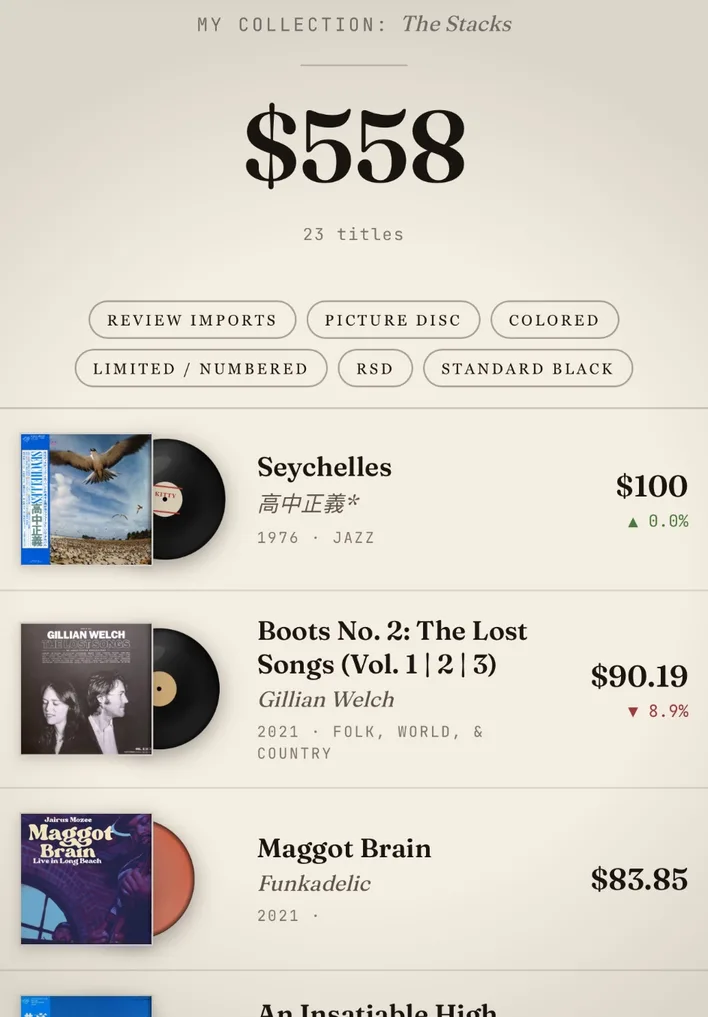
Add your records by scanning them or importing from Discogs, and Vinyl Portfolio lays them out as a shelf: each sleeve with its disc beside it, sliding out as you scroll, with the title, artist, pressing and estimated value. Open a record and it fills the screen, sleeve and disc together.
Does it show my exact variant?
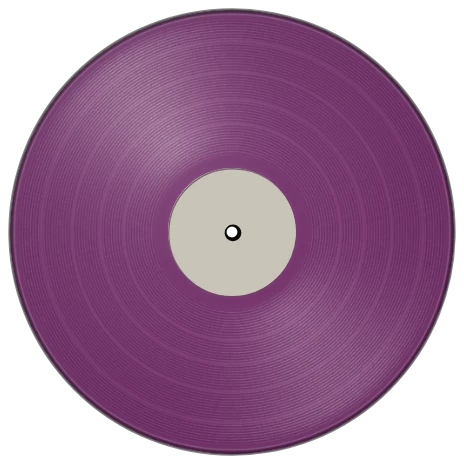
It draws the variant your pressing describes. Splatter, swirl, marble, clear, solid colors and picture discs each have their own look, and more than 60 named colors are read from the pressing's description, from oxblood to coke bottle green. A shaped picture disc keeps its real outline.
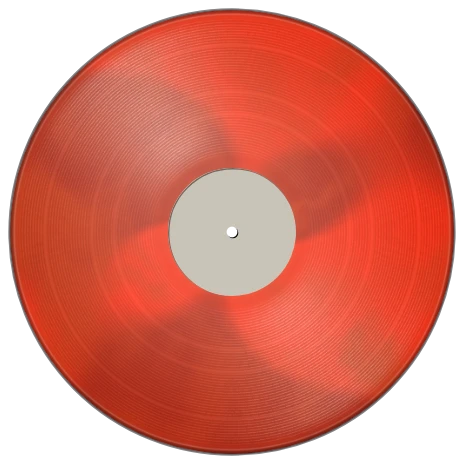 Marble
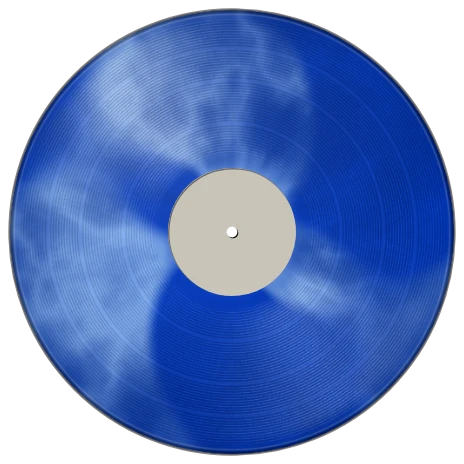 Cloudy
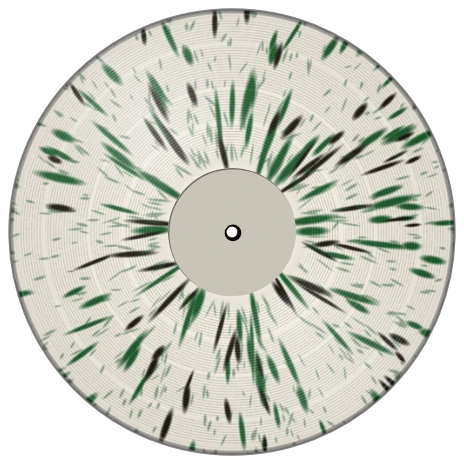 Splatter
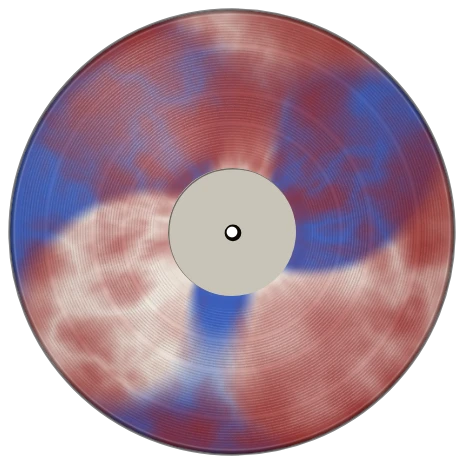 Swirl
Swirl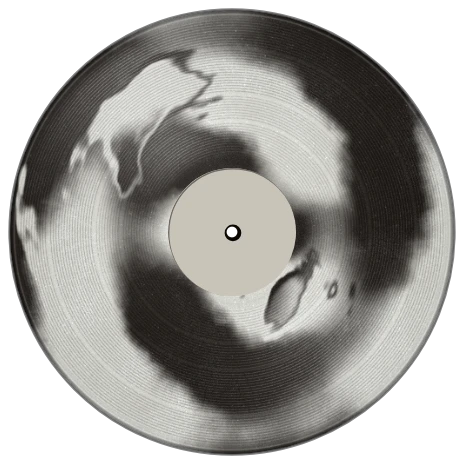 Smoke
Smoke
What about the center label?
Every disc carries a label. Your own photo comes first; then a photo of that pressing's label when one exists; then a reconstruction from more than 1,100 researched label designs, era by era. A record never gets a blank generic label.
Can I share my collection?
Yes, with friends in the app. Choose who sees your collection: everyone, friends or only you. A public web page for collections is not available yet.
Can I change how it looks?
Yes. Choose the Parchment or Dark theme, or Blush with Pro, and decide whether values show on screen, so the shelf can be about the records rather than the money.
Does it work for CDs and cassettes?
Yes. CDs and cassettes are drawn as what they are, so a mixed collection still looks like your shelf.
More from Vinyl Portfolio
Keep exploring
Put your shelf in your pocket.
Free on iPhone and Android, with your collection synced between them.
Free · iPhone · Android · or use it in your browser